
Would you like to enjoy your music with friends or take your listening experience to the next level? Pairing JBL speakers makes it easy. JBL offers three connection methods: JBL Auracast, JBL PartyBoost, and JBL Connect+. If it’s your first time connecting multiple JBL speakers, just follow these simple steps and you’re good to go.
Share Your Music with JBL Auracast
Want to share your music with everyone around you? With JBL Auracast, you can effortlessly broadcast your favorite tunes to multiple Auracast-enabled speakers. Enjoy group listening, stereo pairing and multi-speaker party setups. You can even sync your speakers with JBL PartyLights to elevate both sound and visuals.
How to Pair Bluetooth Speakers with JBL Auracast
Step 1: Connect to your main speaker
Activate Bluetooth on your device and pair it with the first speaker.
Step 2: Turn on Auracast
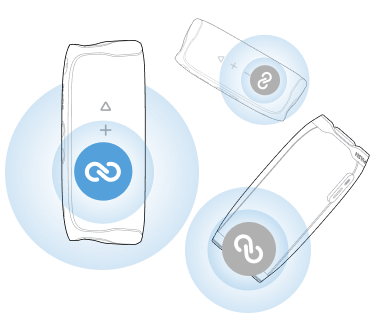
Press the Auracast button on the speaker. You’ll hear a confirmation tone and the music may pause briefly.
Step 3: Add more speakers
Press the Auracast button on any additional speakers you want to connect. Make sure they are within Bluetooth range.
To disconnect:
Press the Auracast button again. If the main speaker is turned off, playback will stop on all speakers.
Auracast-compatible speakers:
How to Pair JBL Speakers with PartyBoost
JBL PartyBoost lets you link multiple speakers for a bigger, room-filling sound — perfect for parties and larger spaces.
Steps:
1: Connect via Bluetooth
Pair your device with the first speaker.
2: Open the JBL Portable app
The app (available on the App Store and Google Play) will show your connected speaker.
3: Press the PartyBoost button
Press the PartyBoost button on all speakers you want to pair. They will connect within 30 seconds.
4: Choose your mode
- Stereo mode: Two speakers, left and right channels
- Party mode: All speakers play the same sound
To disconnect:
Press the PartyBoost button again.
PartyBoost-compatible speakers include:
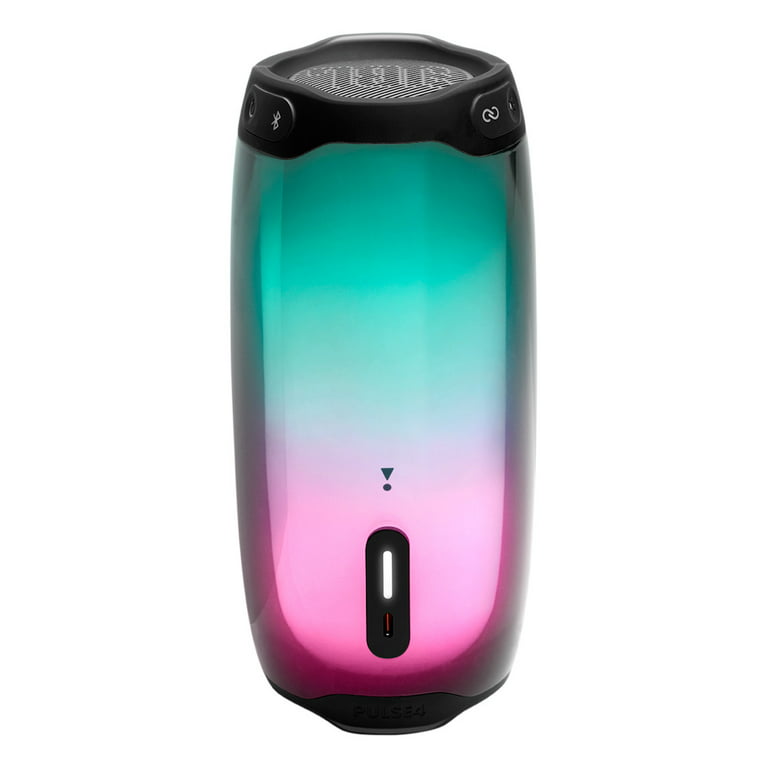
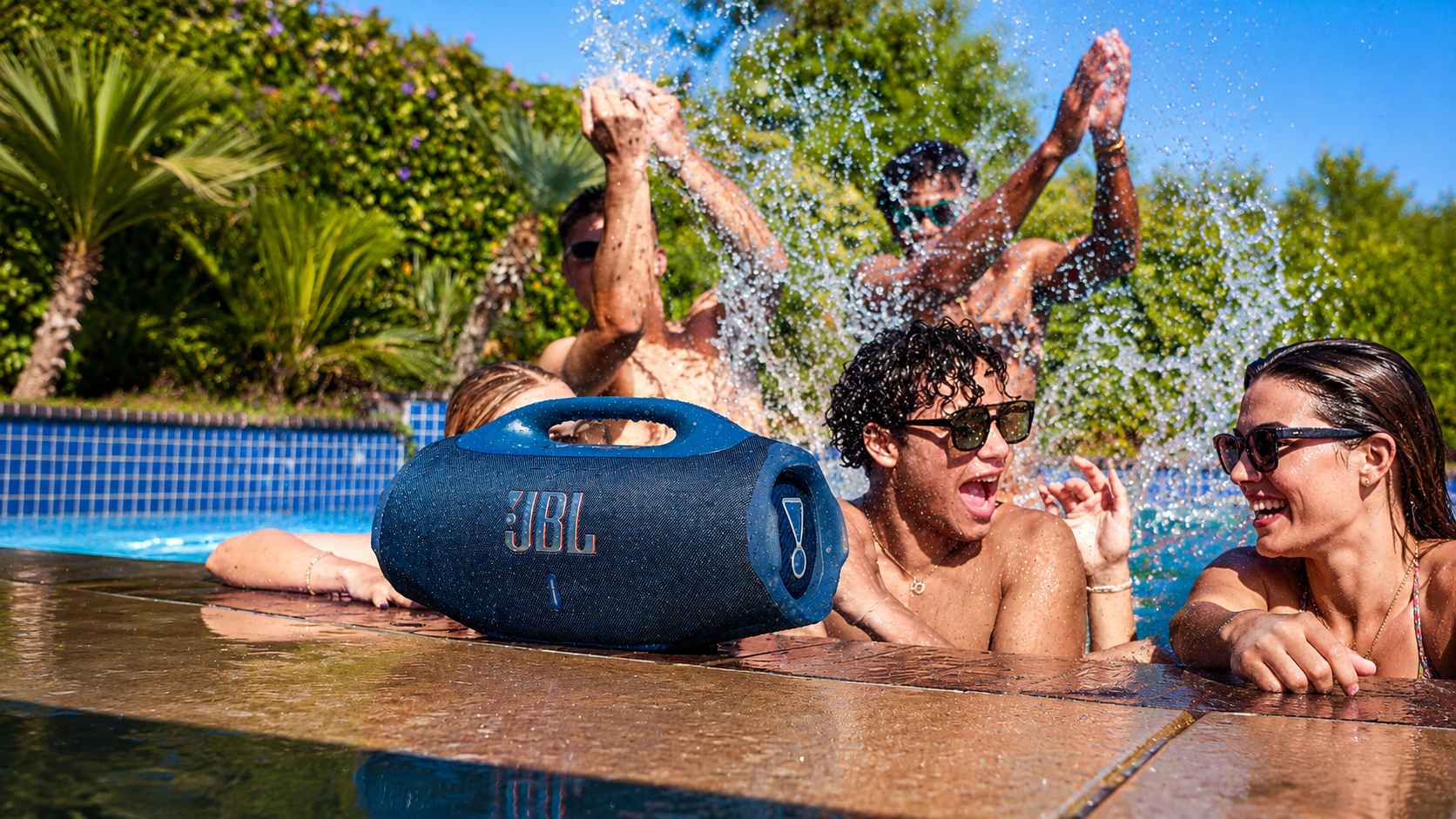
JBL Flip 5, JBL Pulse 4, JBL Boombox 2
How to Pair JBL Speakers with Connect+
Step 1: Pair your device with the first speaker
Step 2: Play your music
Step 3: Press the Connect+ button on all speakers you want to link
To disconnect:
Press the Connect+ button again.
Connect+-compatible speakers:
- JBL Xtreme 2
- JBL Pulse 3
- JBL Charge 4
- JBL Boombox
How Many JBL Speakers Can You Connect
You can connect up to 100 compatible speakers – more volume, more energy and much more fun!